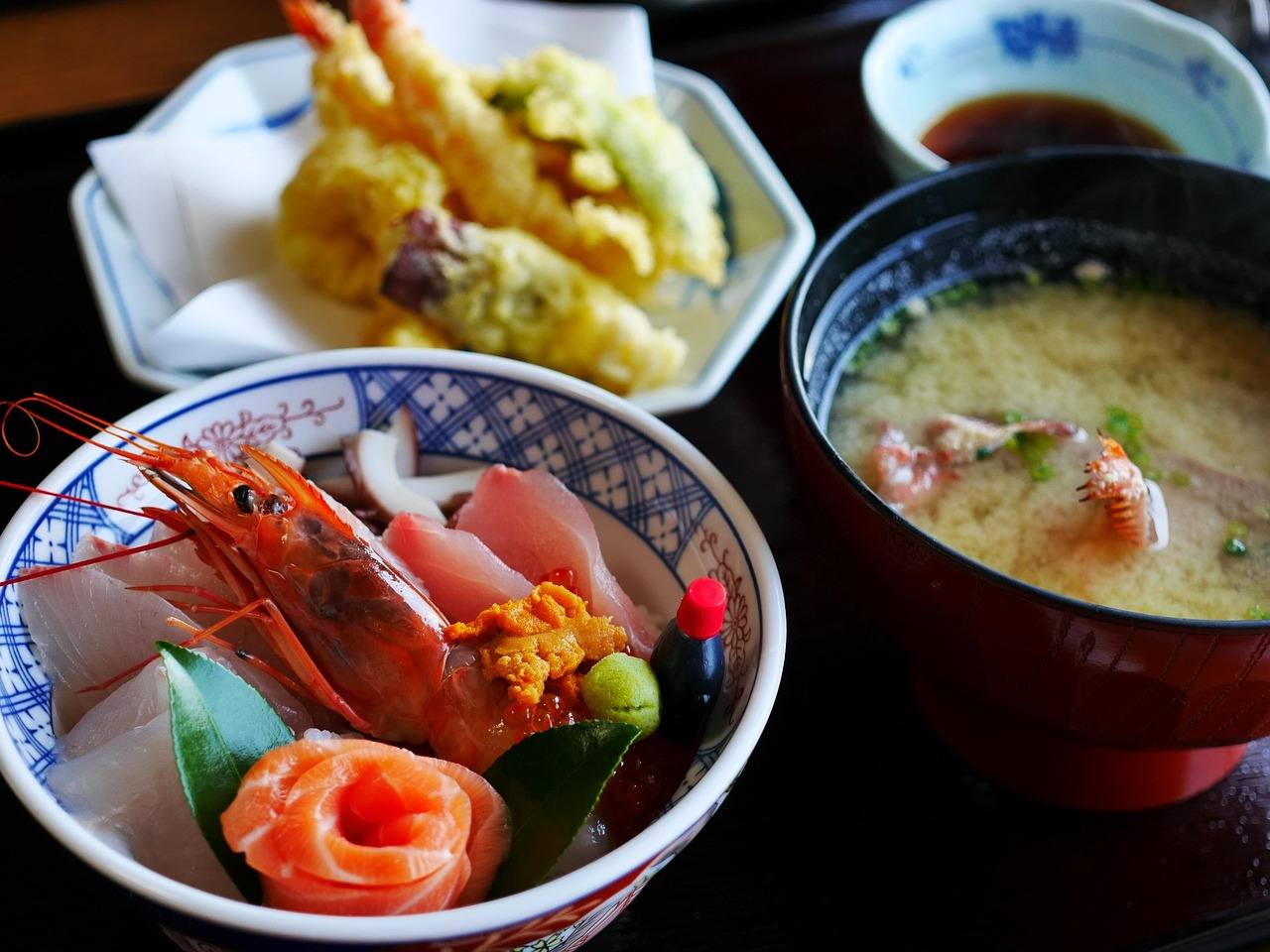
Post delicious dishes directly to the shop's page. Sharing photos and videos is now even easier!
"I want to share this dish on that shop's page." We've made it effortless to bring that thought to life.
Post directly from the shop's page
When you open a shop's page, you'll see a button that says "+ Post photos/videos for this shop". Photos and videos posted from here will always appear on that shop's page (LOCA SNAP).
No need to manually enter the location or select from a list of nearby shops. Just select a photo or video and add a brief note. If you can't think of anything to say, you can even leave it to AI.
Take your time and post after getting home
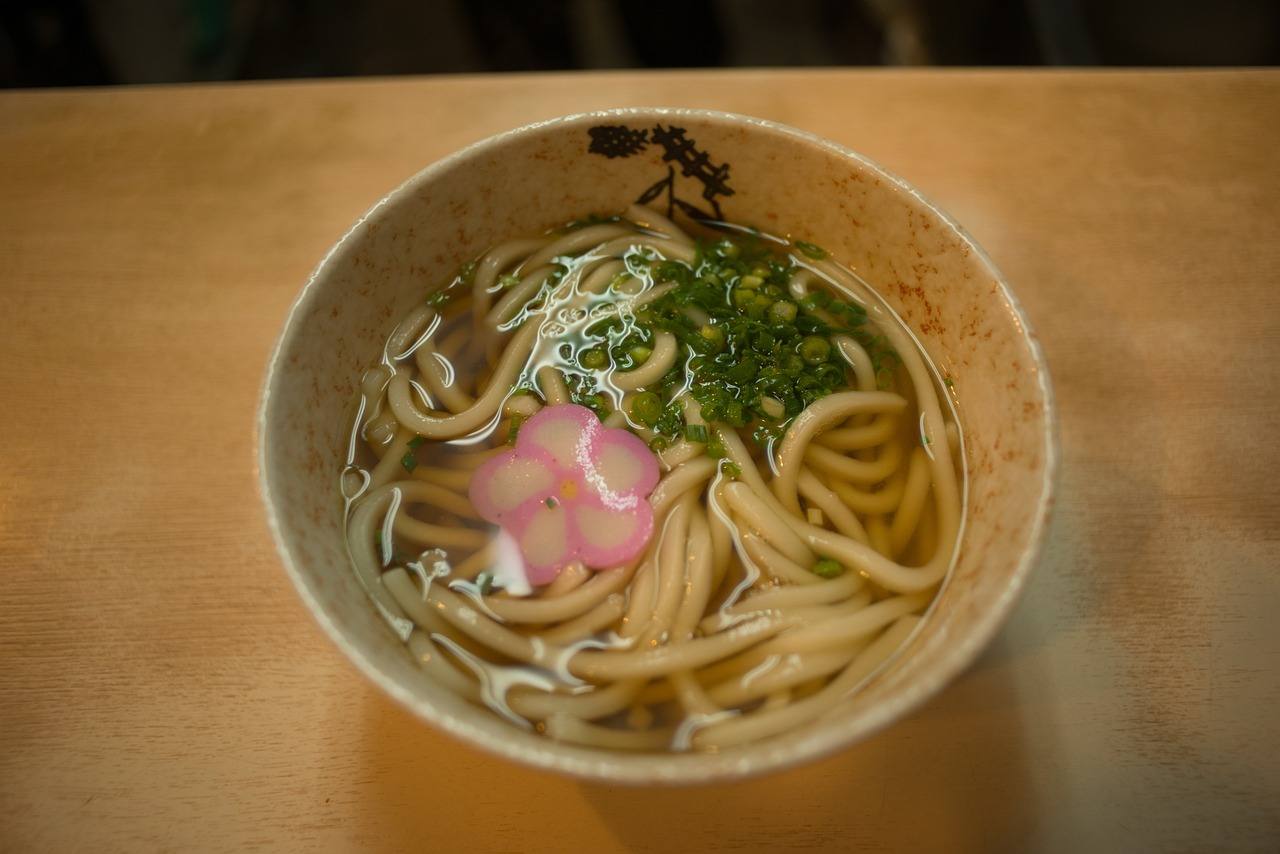
After leaving the shop, you might think to yourself at home, "Maybe I should post it after all." If you post directly from the shop's page, it's fine even if your photo doesn't have location data. The pin will correctly attach to that shop. Feel free to use it just like writing a review!
Townscapes and hidden gems work as before
For town scenery or hidden spots unrelated to a specific shop, post them from the Snap posting screen. A pin will be placed at the location where you took the photo.
Videos can be up to 30 seconds and 50MB. Shops without any photos yet also have a posting entry point. Be sure to post the very first photo!