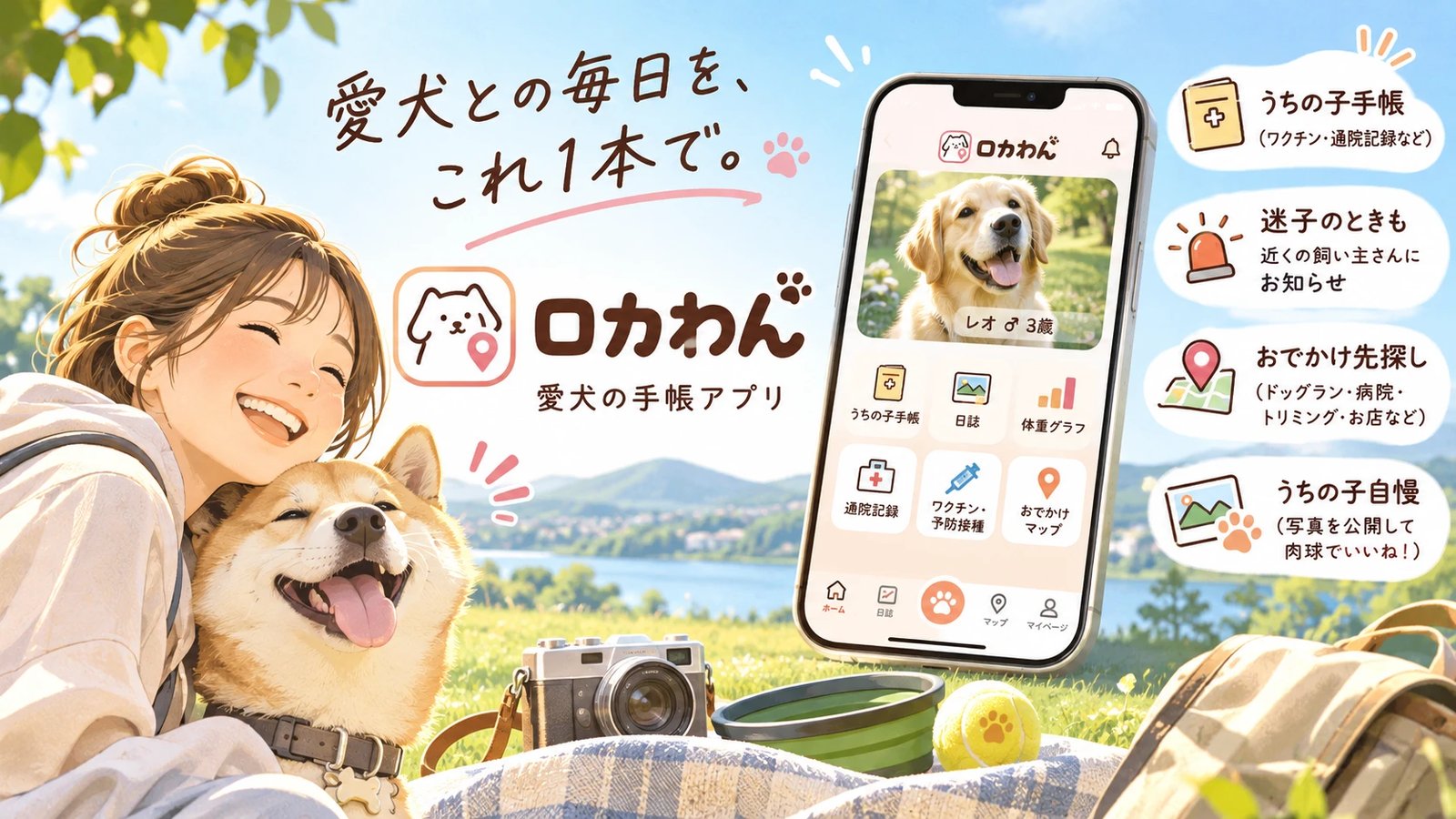
[First Post] It's okay if you can't think of a short message. Let AI handle it! 📸
Want to post, but don't know what to write? Let us introduce a reliable helper for times like these.
How to post in 3 steps
1. Log in and select "Post Photos/Videos" from ☰ 2. Choose a photo or video 3. Enter the spot name and tap "Post"
You can also leave the spot name to AI. 😊
"✨ Auto-generate with AI" is convenient
After selecting a photo, try tapping "✨ Auto-generate with AI". It will automatically fill in the spot name and a short message.
You can freely edit the generated text afterwards. If you feel it's not quite right, feel free to rewrite it.
You can also post videos 🎬
- Length: Up to 30 seconds
- Size: Up to 50MB
- Formats: mp4 / mov / webm
Don't worry, progress (%) is displayed while uploading.
Good things to know
- The area is automatically set based on where the photo was taken. If location data is missing, enter an address or place name.
- AI reviews content for posts. Inappropriate content will not be published.
- You cannot post a large volume in a short amount of time.
To post photos for a specific shop
If you post using "Post photos/videos of this shop" on the shop's page, it will be posted directly to that shop. No location input needed.
Go ahead and share your very first photo! 🌈